
Full Stack Web Developer
SaaS Solutions Architect
I specialize in building robust, scalable SaaS Application that drive business growth and deliver exceptional user experiences.
With expertise spanning the entire development lifecycle, I transform complex business requirements into elegant, high-performance web solutions. Whether you're launching a new SaaS product or scaling an existing platform, I bring the technical expertise and strategic thinking needed to succeed in today's competitive market.
I'm passionate about creating software that not only meets technical requirements but also provides tangible business value. From end-to-end product development to legacy system modernization, I deliver solutions that combine performance, scalability, and business impact.
Core Competencies

Frontend Excellence
- ▹React.js & Next.js - Dynamic, responsive UIs
- ▹TypeScript - Type-safe, maintainable code
- ▹Redux - Efficient state management
- ▹Modern CSS frameworks & component libraries
- ▹Performance optimization & SEO best practices

Backend Mastery
- ▹Node.js with Express.js & Nest.js
- ▹Laravel - PHP-based enterprise solutions
- ▹RESTful APIs & microservices architecture
- ▹Real-time applications with WebSocket
- ▹Authentication, authorization & security

Database Expertise
- ▹PostgreSQL - Complex relational data modeling
- ▹MongoDB - Flexible document-based storage
- ▹Database optimization & query tuning
- ▹Data migration & synchronization strategies

SaaS-Focused Skills
- ▹Multi-tenant architecture design
- ▹Subscription & billing system integration
- ▹Third-party API integrations (Stripe, PayPal, AWS)
- ▹Automated testing & CI/CD pipelines
- ▹Cloud deployment (AWS, Vercel, Heroku)
- ▹Monitoring & analytics implementation
Toolbox
Experience
Jr. Software Engineer

@PIXELVEGA
March 2025 - Present
Developing a comprehensive travel-focused SaaS CRM platform that revolutionizes customer relationship management for the travel and tourism industry. Building scalable solutions tailored to meet the unique needs of travel service providers and enhance customer journey experiences. Key responsibilities include: Developing specialized CRM features for travel agencies, tour operators, and hospitality businesses including booking management, itinerary planning, and customer communication tools Implementing travel-specific functionalities such as trip tracking, destination management, and customer preference analytics Building integrated solutions for managing travel bookings, customer inquiries, and service delivery workflows Collaborating with travel industry stakeholders to understand business requirements and deliver targeted solutions Ensuring seamless integration with travel APIs and third-party booking systems Optimizing platform performance to handle high-volume travel data and seasonal booking surges Contributing to the development of automated communication systems for booking confirmations, travel updates, and customer support Working on innovative technology that empowers travel businesses to deliver exceptional customer experiences while streamlining their operations through intelligent CRM automation.
Laravel Developer
@Fiverr
September 2020 - March 2025
Specialized in Laravel development and enterprise solutions for diverse clients.
Full Stack Web Developer
@Fiverr
June 2016 - March 2025
Full-stack development and WordPress expertise serving global clients
Education
Master of Arts - Political Science
National University, Bangladesh
March 2018 - May 2019
Bachelor of Arts - Political Science
National University, Bangladesh
February 2014 - January 2018
Certifications
Technologies
Technologies I work with
I build full-stack applications using below modern technologies—ideal for SaaS products, dashboards, and scalable web apps.


















Let's Build Something Great
Transparent pricing for quality development work. Every project is unique, let's discuss your needs.
- Responsive design
- Contact form integration
- SEO optimized
- 2 weeks delivery
- 2 rounds of revisions
- Deployment included
- Full-stack development
- Database integration
- Authentication & authorization (RBAC,PBAC)
- 4-6 weeks delivery
- API development
- Cloud deployment
- Scalable architecture
- Microservices design
- Advanced security
- Timeline based on scope
- Ongoing support
- Team collaboration
Insights & Articles
Latest Articles & Blogs
Thoughts on Architecture, Design, Development, and Technology
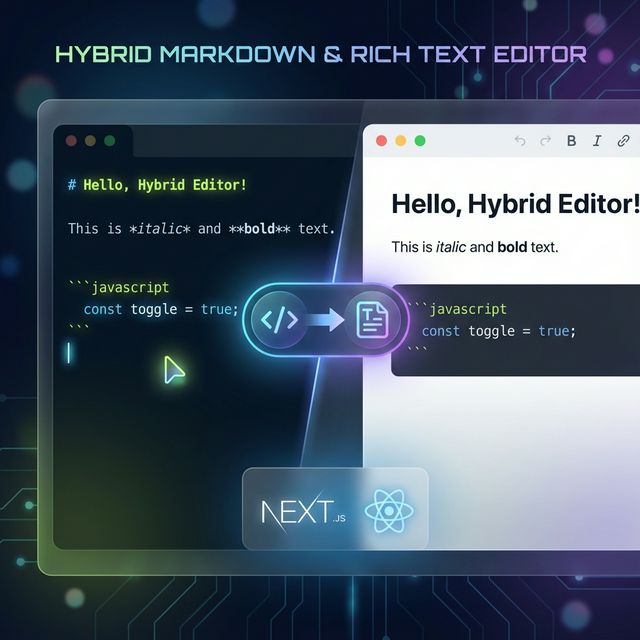
Implement Hybrid Rich Text (TinyMCE) and Markdown Editor in Next.js
`, `
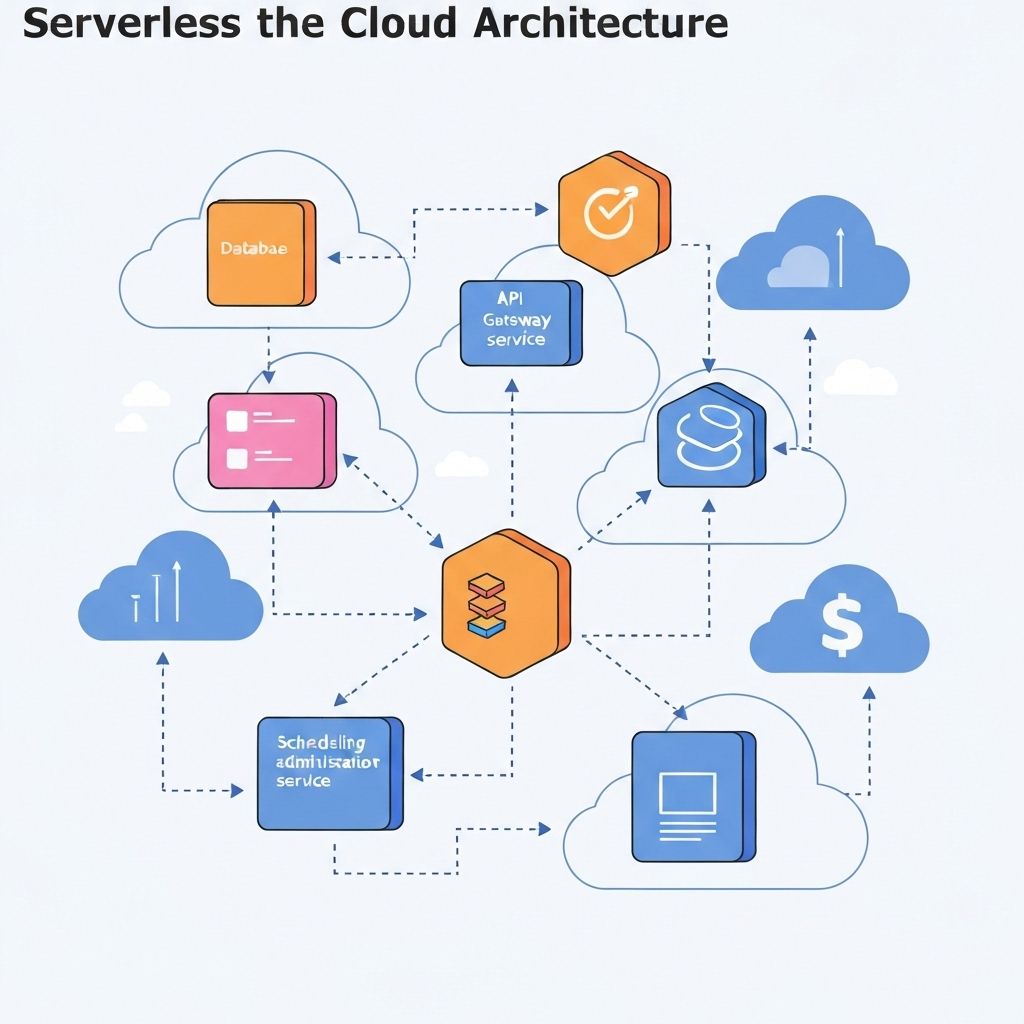
The Rise of Serverless: A Modern Guide to Building Applications
The Rise of Serverless: A Modern Guide to Building Applications
In the early days of the web, launching an application meant buying physical hardware, racking it in a data center, and manually installing every piece of software. Then came the "Cloud Revolution," which gave us Virtual Machines (VMs) and containers—allowing us to rent hardware.
Today, we are in the midst of the next major shift: Serverless Architecture.
Despite the name, "serverless" doesn't mean servers don't exist. It means you, the developer, no longer have to care about them. In this guide, we’ll explore what serverless computing is, how it works, and why it might be the best (or worst) choice for your next project.
What Exactly is Serverless Architecture?
Serverless architecture is a cloud computing model where the provider (like AWS, Google Cloud, or Azure) automatically manages the provisioning, scaling, and maintenance of the infrastructure required to run code.
Think of it like ordering a pizza vs. owning a pizza parlor.
- Traditional Infrastructure: You own the parlor. You have to buy the oven, pay the rent, and hire staff even if no one is ordering pizza that day.
- Serverless: You just order the pizza. The provider handles the kitchen, the chef, and the oven. You only pay for the pizza you actually eat.
The Two Pillars of Serverless
- FaaS (Function as a Service): This is the "compute" part. You write a small block of code (a function) that performs one specific task, like "resize an image" or "process a payment."
- BaaS (Backend as a Service): These are the "extras" like databases (DynamoDB), authentication (Auth0), or storage (S3) that you use via APIs rather than managing them yourself.
How It Works: The Event-Driven Model
Serverless applications are event-driven. This means your code sits idle and costs $0 until something "triggers" it.
Common triggers include:
- HTTP Requests: Someone visits your website or clicks a button.
- File Uploads: A user uploads a profile picture to a storage bucket.
- Database Changes: A new row is added to a table.
- Scheduled Tasks: A "cron job" that runs every night at midnight.
When the trigger occurs, the cloud provider "spins up" a container, executes your code, and then immediately destroys the container once the task is done.
Why Should You Care? (The Benefits)
1. Zero Infrastructure Management
You never have to patch an OS, update a web server, or worry about hardware failure. This allows your team to focus 100% on business logic—the stuff that actually makes you money.
2. Infinite (and Automatic) Scalability
If your app goes viral and receives 10,000 requests in a single second, the provider will automatically spin up 10,000 instances of your function. When the traffic dies down, it scales back to zero. You don't have to configure a single "auto-scaling group."
3. Pay-per-Execution
In a traditional setup, you pay for a server 24/7, even if it’s sitting idle at 3:00 AM. In serverless, you are billed in increments of 100ms. If your code doesn't run, you don't pay.
4. Faster Time-to-Market
Because you aren't wrestling with environment configurations, you can go from "idea" to "deployed API" in minutes.
The Catch: Challenges of Serverless
It isn't all sunshine and rainbows. There are trade-offs you must consider:
- Cold Starts: If a function hasn't been used in a while, the provider needs a moment to "warm it up." This can cause a 100ms to 2-second delay on the first request.
- Vendor Lock-in: Moving a serverless app from AWS Lambda to Google Cloud Functions is much harder than moving a standard Docker container.
- Debugging Complexity: Since the environment is ephemeral (it disappears after use), traditional debugging and monitoring can be more difficult.
- Not for Long-Running Tasks: Most providers limit functions to 15 minutes. If you’re rendering a 2-hour 4K video, serverless isn't for you.
Best Use Cases for Serverless
Where does serverless truly shine?
- Multimedia Processing: Automatically generating thumbnails when an image is uploaded.
- IoT Data Ingestion: Processing millions of tiny data packets from smart devices.
- Chatbots & Webhooks: Handling sporadic requests from third-party services like Slack or Stripe.
- CI/CD Pipelines: Running automated tests or build scripts on every code commit.
Summary: Serverless vs. Traditional
| Feature | Traditional Cloud (VMs/Containers) | Serverless (FaaS) |
|---|---|---|
| Management | Manual (OS, Patches, Runtime) | Managed by Provider |
| Scaling | Manual or Rule-based | Automatic & Instant |
| Cost | Fixed (Pay for uptime) | Variable (Pay for execution) |
| Control | Full control over the environment | Limited to the code layer |
Final Thoughts
Serverless architecture isn't a "silver bullet" that replaces all servers. However, for modern, event-driven applications that need to scale rapidly while keeping costs low, it is an incredibly powerful tool. By abstracting the "plumbing" of the internet, serverless allows you to do what you do best: build great software.
Optimizing React Performance
CSS Grid vs Flexbox: When to Use What
The Art of API Design

Mastering TypeScript: Advanced Patterns
Ready to Start Your Project?
I'm currently available for freelance work and open to new opportunities. Let's discuss how I can help bring your ideas to life.
Want to Contact With me ?
Helping businesses transform their technical debt into seamless user experiences through modern full-stack development and reliable system design.
Email me at
Call me at
"Helping businesses transform their digital presence from struggling to scaling with data-driven strategies."